Timer vs Stopwatch: What Is the Difference?
A timer counts down from a length you set and sounds at zero. A stopwatch counts up from zero until you stop it. When to use each, with a simple table.
Sam Hunt Updated 17 October 2026 4 min read Timer, Stopwatch, Guide, Productivity
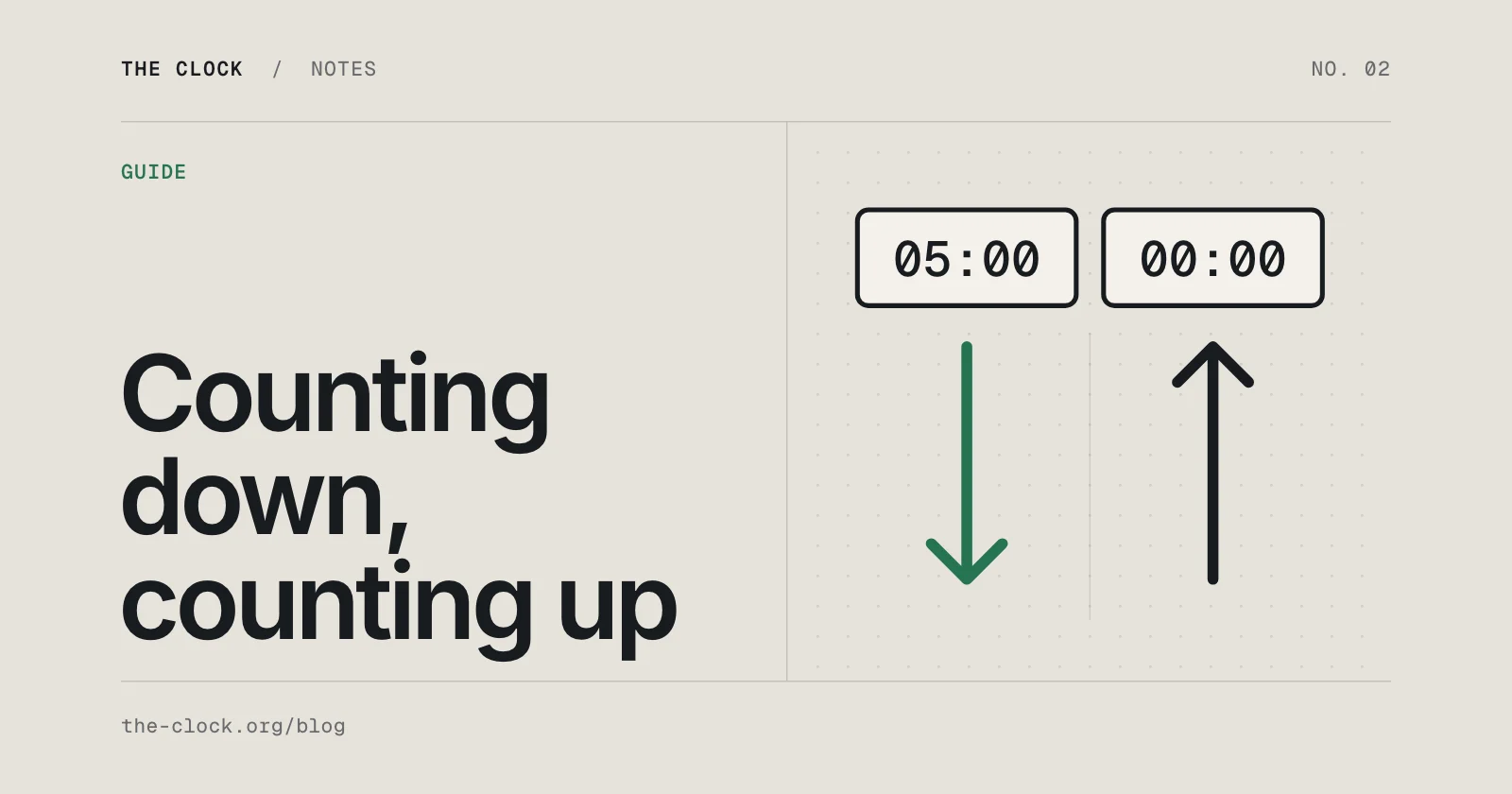
A timer and a stopwatch both measure time, but they answer different questions. A timer answers "tell me when this much time has passed". A stopwatch answers "how long did that take?". Pick the one that matches the question and the job gets easier.
What is a timer?
A timer, also called a countdown timer, starts from a length you choose and counts down to zero. When it reaches zero it tells you, usually with a sound. You decide the length before you start: 3 minutes for tea, 25 minutes for a block of work, 40 minutes for a lasagne.
The point of a timer is that you can stop watching it. You set it, get on with something else, and it calls you back. The online timers on The Clock go from 30 seconds to 2 hours, and you can type in any length up to 23 hours 59 minutes.
What is a stopwatch?
A stopwatch starts at zero and counts up until you stop it. It has no end point and no alarm, because it does not know how long the thing will take. That is what you are using it to find out.
Most stopwatches can also record laps: you press Lap as you pass a point, and the clock keeps running while it notes the time. The online stopwatch times to a hundredth of a second and keeps every lap.
The difference at a glance
| Timer | Stopwatch | |
|---|---|---|
| Direction | Counts down | Counts up |
| Starts at | The length you set | Zero |
| Ends | At zero, on its own | When you press Stop |
| Alert at the end | Yes, a sound | No |
| Laps | No | Yes |
| You know the length? | Yes, before you start | No, that is what it measures |
| Best for | Cooking, breaks, focus blocks, rests between sets | Runs, races, speeches, finding out how long a task takes |
Ten everyday examples
- Boiling an egg: timer. You know it needs about 8 minutes for a firm yolk.
- Timing a 5k run: stopwatch. You want to know how long it took, and lap splits show where you slowed down.
- A 25 minute study block: timer. The point is to stop when it sounds.
- Practising a speech: stopwatch first, to see how long it runs, then a timer set to your slot to practise finishing on time.
- Brushing teeth: timer, 2 minutes.
- Finding out how long the weekly shop really takes: stopwatch.
- Rest between gym sets: timer, so you do not drift from 90 seconds to 4 minutes.
- A swimming session: stopwatch with laps, one lap per length or per 100 metres.
- Parking with a 2 hour limit: timer, set a little under the limit.
- A board game turn limit: timer, the same length for every player.
A pattern shows up: if the length is decided before you start, use a timer. If the length is the answer you are after, use a stopwatch.
Lap time and split time
Both words come up as soon as you use a stopwatch for sport, and people use them in slightly different ways. A lap time is how long one lap took on its own. A split is usually the total time at a point along the way, such as your time at halfway in a 10k, though many people and many apps use "split" to mean the lap time too.
Either way, the useful bit is comparing them. On The Clock's stopwatch, each lap shows its own time in large digits with the running total underneath, and once you have three laps it marks the fastest and the slowest. You can copy the whole list when you stop.
What about a countdown to a date?
There is a third tool that gets mixed up with both: a countdown to a date. It is a timer in the sense that it counts down, but it counts to a moment on the calendar, such as a birthday or the start of the holidays, rather than for a length of time you choose. It shows days as well as hours and minutes, and it usually runs for weeks.
If you know the date, use the countdown timer. There are ready-made pages for the two most popular ones, the Christmas countdown and the New Year countdown. For a time of day, like 3:30pm, an alarm clock is the right tool.
Can my phone do both?
Yes. The built-in Clock app on iPhone and on Android has a Timer and a Stopwatch. A browser timer is handy when you are already at a computer, want the countdown on a big screen, or want to see the time left in a tab while you work in another one. On The Clock, both run from your device clock, so they stay right in a background tab.
One thing to know about any browser timer: most phones pause web pages when the screen locks, so the sound may wait until you unlock. If the sound matters, keep the screen on.
Which one to open
Use a timer when you know how long something should take. Use a stopwatch when you want to find out how long it does take. Both are free on The Clock: the timers and the stopwatch.
Written by
Sam Hunt, Builds and runs The Clock
I'm Sam. I trained as an artist, ended up running businesses, and I've been building websites and products the whole way through. I built The Clock and I still run it, so if anything here is wrong or out of date, that's on me. My other work is at samuelbuilds.co.uk.
Share this page
Timers for this
Try it on the timer
The free online timer and stopwatch are one click away.